
Scan Experience
What the user sees. What the brand learns.
AIQR runs inside standard mobile browsers with zero app installation. Explore the standard scan layouts and logic rules that manage brand protection.
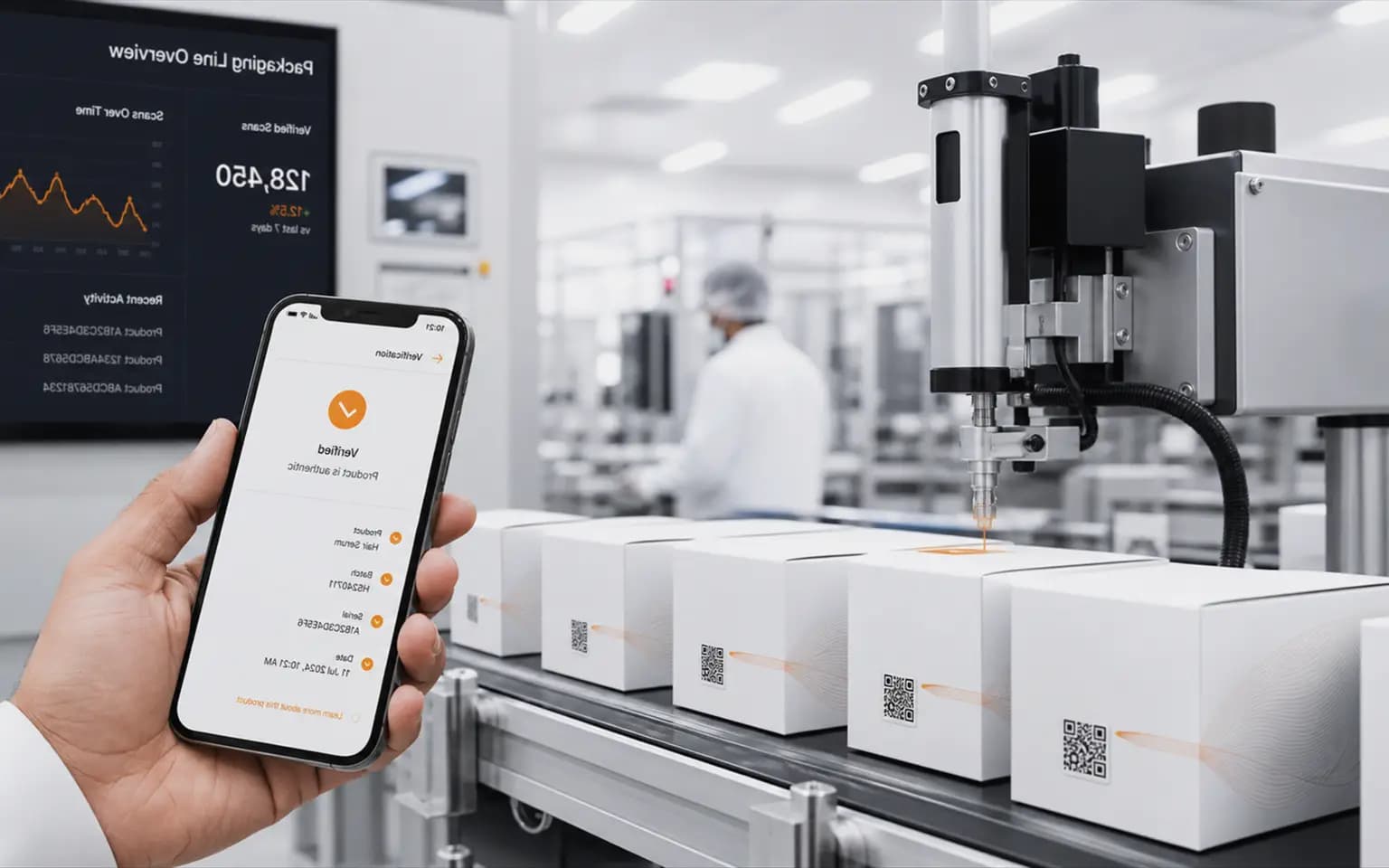
Select Scan Scenario
First Scan (Genuine)
The customer scans a new pack. An instant green checkmark appears with batch details, ingredients, and post-purchase loyalty points.
Repeated Scan (Alert)
The same code is scanned multiple times. The system flags a repeat warning and alerts the brand dashboard to possible copy attempts.
Geographic Anomaly (Diversion)
A code assigned to one country is scanned in another. The system logs a diversion event and maps the channel leak.
Why the zero-app scan experience matters
AIQR verification runs entirely in the standard mobile browser. The customer points the camera at the code and gets a result immediately, with no app download, no account, and no friction to abandon. That single decision drives the scan participation rates that make connected packaging pay.
The experience is rule-driven. A first scan on an assigned code returns a genuine verification with product details and batch information. A repeated scan triggers a warning and a brand dashboard alert. A code assigned to one market that is scanned in another territory logs a channel diversion event for the brand team to investigate.
Each rule is configurable per brand, so the scan experience can be tuned without redesigning packaging.