
Supported and validated
Approved capabilities, validation evidence, and next implementation steps in production.
Printer compatibility
Start with the printing environment already in use. Status depends on printer model, controller, substrate, line speed, code quality, and target use case.
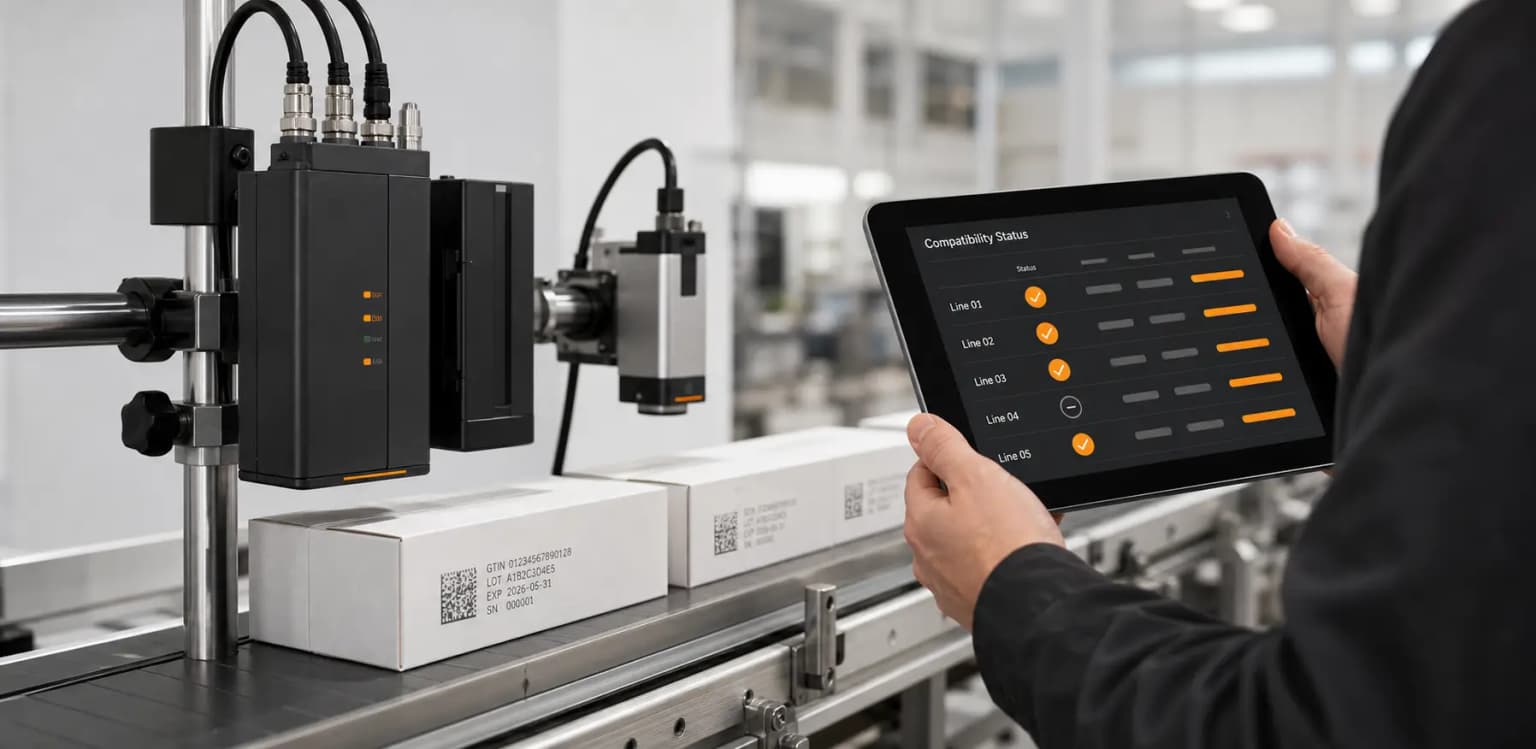
Select your current printer parameters. AIQR will evaluate driver status and return validation guidelines.
Approved capabilities, validation evidence, and next implementation steps in production.
Known integration path exists; requires model, firmware, and substrate print validation.
Collect documentation, target use case, line speeds, and media samples for engineering review.
Suggest alternative application pathways, such as print-and-apply labels or pre-printed layers.
Technical FAQ
Frequently asked implementation questions regarding coding hardware integration and driver capabilities.
The AIQR Gateway maintains queue speed syncing. For continuous inkjet (CIJ) lines, speed is locked to shaft encoders ensuring high-definition print geometry without code drift.
Printer must support remote data entry via serial interface (RS232) or network interface (Ethernet TCP/IP) mapping protocols like ZPL or ESC/P.
Yes. If direct coding is not currently supported or line speed is too high for substrate adhesion, a print-and-apply label model is validated and supported.